
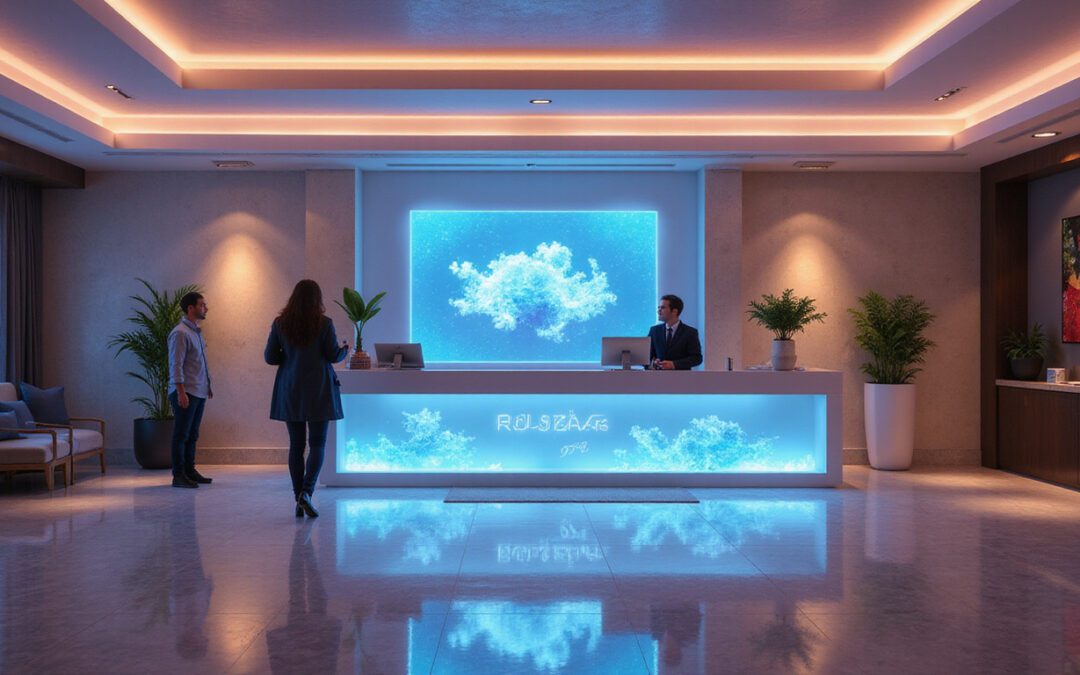
The virtual front desk becomes a strong tool for hotels, rentals, apartments, and offices. It uses smart software, remote staff, and self-service kiosks or apps. This desk handles many tasks as people used to do. It works around the clock, covers many sites, and cuts costs. When it works well, it lowers fees and gives guests faster help and fewer delays.
What Is a Virtual Front Desk?
A virtual front desk is a tech system that takes the place of a physical desk. Rather than needing someone at a counter, guests talk with the system by using:
- Video calls or intercoms
- Mobile apps or web portals
- Self-service kiosks
- Smart locks and automated check-in/check-out tools
Behind this system, trained agents or a mix of agents and AI answer questions, check IDs, send access codes, and manage tasks from one main spot.
How It Differs From a Traditional Front Desk
Traditional front desks are:
- Staffed in person, often 24/7
- Limited by the number of people on duty
- Tied to one property
A virtual front desk:
- Supports many sites from one place
- Can grow quickly during busy hours
- Remains open without needing staff on-site
- Works well with booking, management, and communication tools
Its aim is not to remove human contact. It saves human effort for personal interactions, true problem solving, and outstanding service.
Why a Virtual Front Desk Boosts Operational Efficiency
Efficiency drives operators to use a virtual front desk. The right setup cuts repetitive work and makes guest flows smoother from booking to departure.
1. Faster Check-In and Check-Out
This desk automates many steps:
- Pre-arrival emails or texts give directions and codes
- Online check-in collects guest details early
- Smart locks or keypads remove the need for physical keys
- Self-checkout links speed up departure
Guests do not face long lines; staff spend less time on forms and more on value work.
2. Centralized, 24/7 Coverage
A central, remote team can:
- Help with late-night arrivals
- Answer inquiries after hours
- Support many properties in different time zones
This is useful for:
- Small hotels with few staff
- Short-term rentals and aparthotels
- Medical or corporate buildings with low foot traffic
Central support brings service consistency and lets you check performance across locations.
3. Seamless Integration With Existing Systems
A modern virtual front desk works with:
- Property Management Systems (PMS)
- Channel managers and booking tools
- CRM and email/text tools
- Smart locks and access control platforms
This link stops duplicate entries and prevents mistakes. For instance, when a booking is confirmed, the system can:
- Create a guest profile
- Assign a room or unit
- Generate a unique access code
- Send timed pre-arrival and post-stay messages
Cutting Costs Without Sacrificing Service
A virtual front desk cuts costs through smart changes, not just fewer staff.
Lower Labor Costs and Better Staffing Flexibility
A physical desk that runs 24/7 needs many full-time people and backups. A virtual desk can:
- Use fewer agents to cover more hours and sites
- Let staff work from home or a central hub
- Offer flexible schedules that match demand
Instead of having three people idle during slow times, one remote agent can cover several properties.
Reduced Overhead at Each Property
Without a large physical front desk, operators can:
- Use space for revenue ideas (like retail or co-working)
- Lower costs for furniture and hardware
- Simplify security and upkeep of common areas
This helps micro-hotels, hostels, and urban rentals where every square foot matters.
Less Revenue Lost to Human Bottlenecks
Manual work can cause:
- Long wait times and lost bookings
- More errors in reservations or billing
- Missed chances to upsell
When combined with automation, a virtual desk can:
- Offer upgrades during online check-in
- Ensure invoices are accurate and timely
- Answer common questions quickly, reducing cancellations
Enhancing the Guest Experience With a Virtual Front Desk
Saving money is good, but guests must also enjoy the change. A well-made virtual front desk feels modern, personal, and convenient.

1. Contactless, Convenient Experiences
Today, guests often want:
- Mobile check-in and digital keys
- Little queueing
- Easy talk via text, WhatsApp, or chat
A virtual front desk delivers these features. For example:
- Business travelers go straight to their room without stopping at a desk.
- Families arriving late can access their unit without waking a manager.
This ease of use sets you apart, especially since contactless methods became popular after COVID-19. ### 2. Personalized, On-Demand Support
Virtual does not mean robotic. Skilled remote agents can:
- Greet guests by name
- Give local tips
- Solve issues using video, phone, or chat
Supported by integrated systems, they get better context than a busy on-site receptionist.
3. Consistency Across Properties
Keeping a brand’s style is key for many locations. A central virtual front desk can:
- Use the same scripts and service steps
- Apply policies in the same way
- Keep branding consistent on all channels
This builds trust and a smooth experience, no matter where a guest stays.
Where a Virtual Front Desk Delivers the Most Value
You can use a virtual front desk in many sectors:
Hotels and Boutique Properties
- Small and mid-sized hotels lower labor costs while staying open 24/7.
- Boutique hotels offer a smooth, contactless luxury without many staff.
Vacation Rentals and Aparthotels
- Managers of many units bring guest support together.
- Hosts can scale up without being in-person for every check-in.
Serviced Offices and Co-Working Spaces
- Visitors check in using kiosks or apps.
- A remote team verifies identity, lets in guests, and handles queries.
Healthcare and Corporate Campuses
- Patients or visitors register using tablets or kiosks.
- Remote agents handle forms and guide directions.
Key Features to Look for in a Virtual Front Desk Solution
When you choose a provider, check for these features:
-
Omnichannel Communication
- One platform for phone, video, SMS, email, and live chat
-
Integration With Your PMS/CRM
- Real-time sync of reservations, profiles, and billing
-
Access Control Tools
- Smart lock support, PIN management, or keycard options
-
Automation and Workflows
- Triggered messages, reminders, and task flows
-
Analytics and Reporting
- Data on response times, occupancy, upsells, and guest ratings
-
Security and Compliance
- Encrypted data, role-based access, and audit logs
-
Scalability
- Easy to add new properties with little effort
A Simple Roadmap for Implementing a Virtual Front Desk
To make the change smooth, follow these steps:
-
Audit Your Current Front Desk Operations
- List all tasks: check-in, check-out, payments, ID checks, inquiries, maintenance, etc.
- Mark what can be automated, centralized, or done remotely.
-
Select the Right Technology Stack
- Pick a virtual front desk platform that works with your PMS and access tools.
- Test it with one property or a few units.
-
Redesign Guest Journeys
- Map every step from pre-booking to post-stay.
- Decide where guests use self-service versus live agents.
-
Train Your Team
- Teach your staff how to use new tools and systems.
- Update scripts and standards for virtual interactions.
-
Communicate With Guests and Visitors
- Explain the new process in pre-arrival emails and on your website.
- Emphasize speed, ease, and 24/7 access.
-
Monitor, Measure, and Optimize
- Track key measures like check-in time, response time, guest ratings, and labor hours.
- Adjust workflows based on feedback and data.
Common Concerns and How to Address Them
“Will a Virtual Front Desk Feel Impersonal?”
It will not if you plan it well. Combine:
- Warm, human-led interactions via video or phone
- Personalized messages using guest data
- Quick local support when needed
Many guests prefer fast, digital processes when help is on hand.
“What If Technology Fails?”
Plan for backup:
- Use extra communication channels (phone and online)
- Set clear backup steps for lockouts or downtime
- Have local help available in emergencies
A good virtual front desk includes plans for power, network, and device issues.
“Will Staff Lose Their Jobs?”
Staff roles change instead of vanish. They can move from routine desk work to:
- Engaging with guests
- Managing revenue and sales
- Handling property inspections and quality control
Virtual desks can create clear paths for career growth and reduce burnout.
FAQ: Virtual Front Desk and Related Concepts
Q1: How does a virtual reception desk work for small hotels or rentals?
A virtual reception desk links your property to remote agents through software, phone, and video. The agents help with check-in, answer questions, and support using your PMS and access tools. This lets small properties offer 24/7 professional service without a full-time physical desk.
Q2: Is a digital front desk secure for guest check-in and payments?
Yes. Modern digital front desks use encryption, secure payment gateways, and identity checks. With reputable vendors and best practices, digital check-in can be as safe or safer than traditional methods.
Q3: What’s the difference between a virtual concierge and a virtual front desk?
A virtual concierge gives service enhancements such as recommendations, reservations, and tips. A virtual front desk handles check-in, access control, billing, and support. Many systems combine both for a complete digital guest experience.
Ready to Modernize With a Virtual Front Desk?
If you still depend on a traditional front desk, you may lose money and risk guest frustration. A virtual front desk can help you:
- Boost efficiency through automation and central support
- Lower costs by streamlining staff and expenses
- Impress guests with smooth, contactless, and prompt service
Now is the time to review your workflows, find solutions that work with your systems, and test a virtual front desk at one location. Start small, check the results, and expand what works—your guests, your team, and your bottom line will feel the change.
