
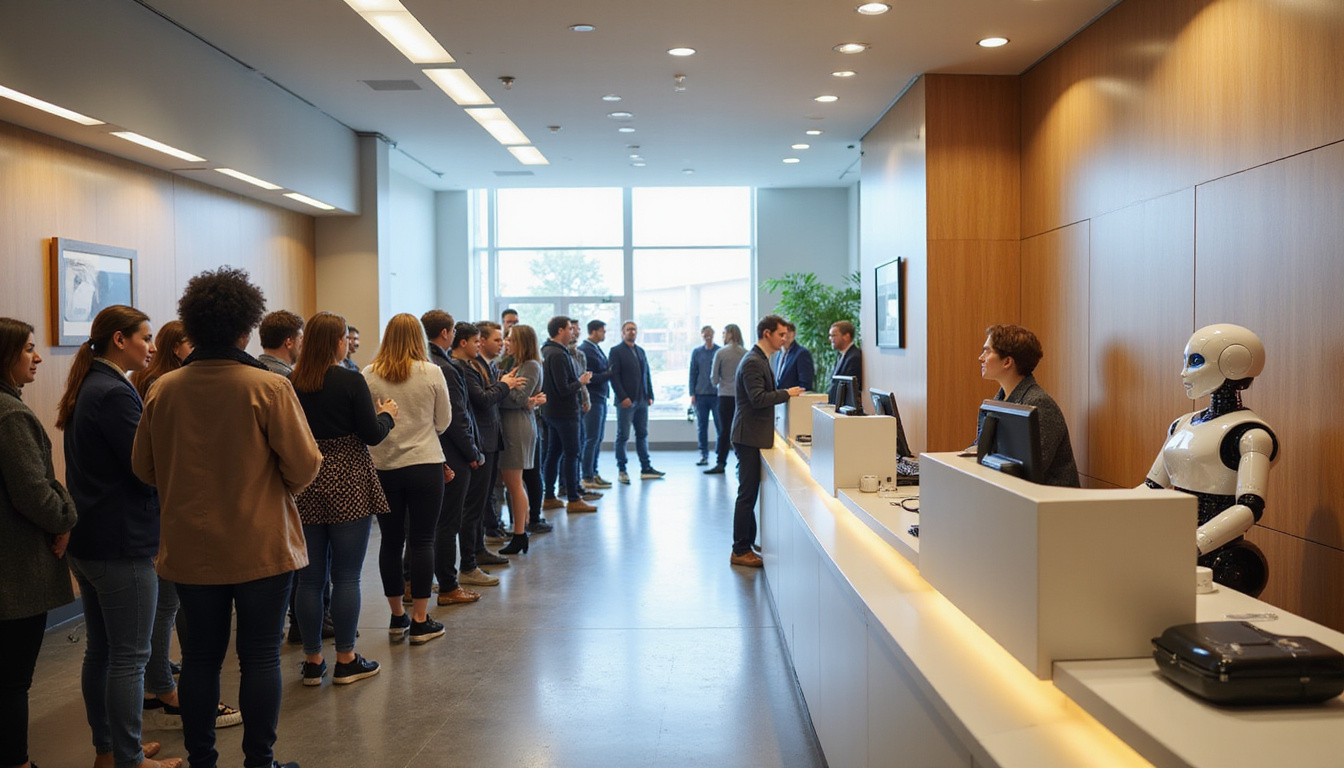
An AI receptionist is not a distant dream. It is the new way to greet guests at modern front desks. Medical practices, law firms, hotels, salons, and coworking spaces now use it. AI-powered reception changes how businesses greet, route, and support visitors. The result is shorter wait times, happier customers, and front-desk teams free to focus on meaningful human work.
This article explores how AI receptionists work, what benefits they bring, real examples of their use, and points to consider before you add one to your organization.
What is an AI receptionist?
An AI receptionist is a virtual assistant run by software. It uses artificial intelligence with natural language processing (NLP), speech recognition, and machine learning. Rather than hiring only a human or using a simple phone system, these tools can:
- Answer calls and website chats 24/7
- Greet visitors via a kiosk or tablet
- Route questions to the right person or department
- Schedule, confirm, and change appointments
- Handle FAQs and basic support
- Automatically capture lead and visitor data
A modern AI receptionist studies past interactions and learns from them. It recognizes natural language instead of just a few keywords.
How AI receptionists slash wait times
An AI receptionist makes response times fast and smooth at the entry point.
Instant responses, even at peak times
A human receptionist handles one call or visitor at a time. An AI receptionist manages many conversations at once over phone, chat, or kiosk. This produces:
- Shorter hold queues during busy hours
- Fewer missed calls when the front desk is busy
- Quick sorting of urgent needs from simple ones
Businesses where every call counts find this ability very useful.
24/7 availability
Traditional front desks work only during business hours. After hours, calls go to voicemail or an expensive service. An AI receptionist works all day:
- It answers questions in the evenings and on weekends
- It lets customers book appointments or ask for callbacks any time
- It provides key details like hours, directions, or policies right away
This continuous service means that customers get help without delay, reducing frustration.
Faster routing and fewer transfers
An AI receptionist quickly learns how to answer by:
- Identifying the reason for the call or visit
- Finding the right department or person
- Deciding if a question can be handled without a human
It sends people to the right place on the first try. For complex issues, it gathers all details before a human takes over. This cuts down on extra transfers and rework.
Key features that delight customers
AI reception is not only about speed. It also creates a smooth and personal experience.
Natural, conversational interactions
Speech recognition and NLP help the AI sound real. Instead of saying:
“Press 1 for appointments. Press 2 for billing…”
Users say what they need in their own words:
“I need to reschedule my appointment for next week.”
“Can you tell me your pet vaccination prices?”
The AI figures out the intent and asks follow-up questions. It guides users with a simple, friendly conversation.
Personalized service at scale
When the AI connects with a CRM or scheduling system, it can fetch real-time information:
- It recognizes returning customers by phone number or email
- It refers to past appointments or purchases
- It adjusts its answers based on membership, location, or preferences
This personal touch makes customers feel known and valued.
Seamless omnichannel experience
Modern users call, email, text, and walk in. An AI receptionist can work across all these channels:
- Website and in-app chat
- SMS and messaging apps
- Phone calls and voice assistants
- On-site kiosks or tablets
This approach gives customers consistent and accurate answers, no matter how they reach out.
Real-world use cases for AI receptionists
Different industries use AI reception that fits their workflows and customer needs.
Healthcare and dental practices
For clinics, hospitals, and dental offices, an AI receptionist can:
- Answer questions about insurance and policies
- Schedule, confirm, and reschedule appointments
- Send automated reminders or pre-visit instructions
- Collect data before a patient arrives
This helps reduce phone volume and provides faster service to patients.
Law firms and professional services
Law offices, accounting firms, and consultancies use AI receptionists to:
- Qualify leads by gathering case or project details
- Route inquiries to the proper attorney or specialist
- Handle after-hours questions and message taking
- Filter calls so staff focus on high-value work
This keeps professionals focused while taking care of every opportunity.
Hotels, salons, and hospitality
In hospitality, an AI receptionist boosts both first impressions and operations by:
- Managing reservations and changes
- Answering common questions about services and policies
- Coordinating check-ins via kiosk or tablet
- Handling waiting lists and walk-in notifications
Guests get quick answers, shorter waits, and convenient self-service.
Coworking spaces and corporate offices
Shared workspaces and offices use AI reception to:
- Check in visitors at kiosks and print badges
- Notify hosts automatically by email or message
- Enforce access rules with digital signatures
- Provide directions and facility information
This modern approach upgrades the front door experience without needing full-time reception staff.
How an AI receptionist works behind the scenes
Most AI receptionist systems share a core work process:
-
Input capture
- Voice through a phone or kiosk microphone
- Text through chat widgets, SMS, or messaging apps
-
Speech recognition (for voice)
- Converts speech to text using automatic speech recognition (ASR).
-
Natural language understanding (NLU)
- Deciphers user intent and extracts key details like dates or names.
-
Dialog management
- Decides the next step. It may ask another question, offer information, or trigger an action such as making an appointment.
-
Integrations and actions
- Connects to systems like calendars, CRMs, or ticketing tools to get or post data.
-
Response generation
- Creates a clear reply in text or converts it to speech using text-to-speech (TTS).
Over time, machine learning improves the system with real interaction data.
Benefits for businesses and staff
An AI receptionist brings many benefits.
Lower operational costs
Although there is an upfront and subscription cost, the AI can:
- Handle the work that might need many full-time staff
- Cut overtime, temporary staffing, and answering service costs
- Lower the cost per customer contact over time
This makes a professional front desk possible even for small businesses.
Higher customer satisfaction and retention
Faster answers and smoother service lead to:
- Fewer dropped calls or abandoned inquiries
- Easier meeting of response-time benchmarks
- First impressions that build loyalty and repeat business
A Deloitte survey shows 62% of organizations see customer experience as a key advantage (source: Deloitte Global Contact Center Survey).
Reduced burnout and turnover at the front desk
By automating repetitive tasks, an AI receptionist helps human staff:
- Focus on complex and sensitive issues
- Handle proactive customer care and administrative tasks
- Face fewer disruptions and stress spikes
This improves job satisfaction and lowers staff turnover.
Common concerns and how to address them
Organizations often worry about a few things when thinking about an AI receptionist.
“Will it feel cold or robotic?”
A poor system can do so. Modern AI reception tools focus on:
- Natural language and a friendly tone
- Clear paths for escalation to a human when needed
- Customizable scripts that match your brand
Testing and regular tuning help keep the experience pleasant.
“Will this replace human jobs?”
Usually, AI receptionists work with human staff:
- They cover after-hours, overflow, and routine tasks
- Humans handle exceptions, high-touch service, and complex interactions
- Staff learn to do more strategic work
When used well, the AI becomes a tool that enriches jobs.
“Is it secure and compliant?”
Security depends on the vendor and your setup. Look for:
- Data encryption during transfer and storage
- Strong access controls, audit logs, and role-based permissions
- Compliance with rules like HIPAA for healthcare or GDPR for EU data
- Clear policies for data retention and deletion
Collaborate with legal and IT teams to meet security and compliance standards.
Implementation checklist: Getting started with an AI receptionist
Plan this rollout carefully.
Key steps:
-
Define goals and metrics
- Shorter average wait times
- Fewer missed calls
- More first-contact resolutions
- Lower cost per contact
-
Map out common journeys
- Top 10–20 reasons for calls or visits
- Typical questions and needed data
- Rules for escalation and handoff
-
Select the right vendor
- Focus on your industry (healthcare, legal, hospitality)
- Ensure integration with your current systems
- Check for configurability and analytics tools
-
Design scripts and flows collaboratively
- Bring in front-desk staff to share real customer behavior
- Start simple and expand as the system improves
-
Pilot, measure, and iterate
- Begin with limited hours or channels
- Track performance and gather feedback from staff and customers
- Adjust flows and responses regularly
FAQ: AI receptionists and virtual front-desk solutions
Q1: What is the difference between an AI receptionist and a virtual receptionist service?
A virtual receptionist service uses human agents working remotely. An AI virtual receptionist uses software to automate the work. Many businesses mix both—using AI for routine tasks and humans for complex issues.
Q2: Can an AI phone receptionist integrate with my current phone system and calendar?
Many modern systems work with VoIP, popular calendars (like Google Calendar or Outlook), and tools specific to certain fields (such as practice or property management systems). Check that your chosen AI phone receptionist can connect with your daily tools.
Q3: Is an AI front desk suitable only for large enterprises or also for small businesses?
AI front-desk tools now reach small and mid-sized businesses too. With subscription pricing and cloud deployment, an AI front desk receptionist can offer 24/7 service without adding extra staff.
Bring the future of reception to your front door
Customers are used to fast, clear, and convenient help from the moment they call, click, or walk in. An AI receptionist helps your business maintain these standards—cutting wait times, capturing every chance to assist, and offering a modern, polished experience.
If you are ready to upgrade your front desk, now is the time to explore AI reception options. Pilot the system with your team and watch its impact on customer journeys. Start by identifying common front-desk interactions and then evaluate AI tools that can automate and enhance these touchpoints. Organizations that move first will set a new standard for responsive, friendly service while others wait in the lobby.
